What Happens During a Cybersecurity Review?

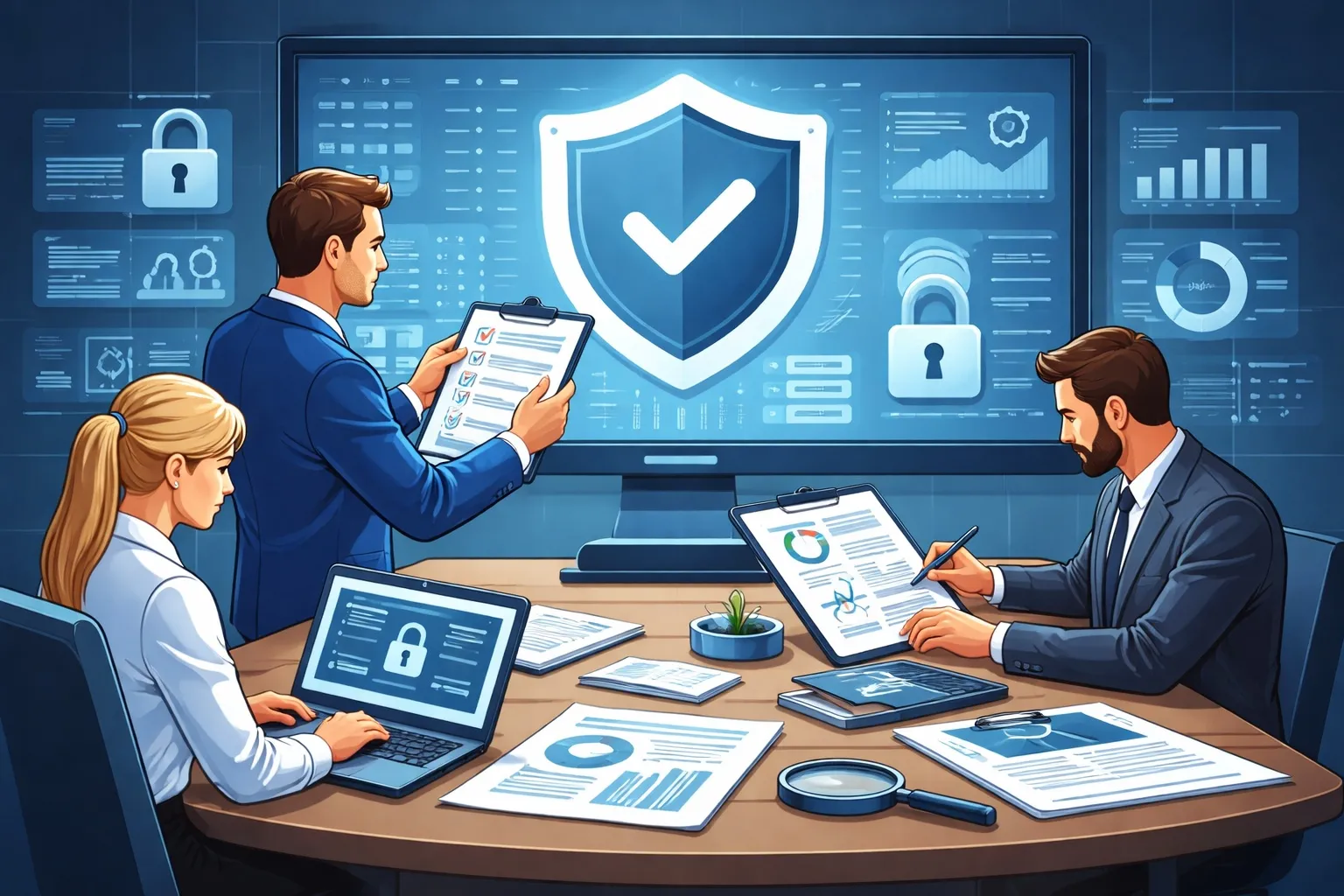
Cybersecurity can feel overwhelming. There are thousands of tools, vendors, and security products, and it is not always clear where organizations should focus their efforts. A cybersecurity review helps organizations step back and evaluate whether their current security posture is addressing the most important risks. Understanding Risk Exposure The review begins with understanding the organization’s risk profile. Important questions include: What types of data does the organization store? What systems are critical to operations? What would the impact of downtime or data loss be? Security...
What’s the Difference Between Antivirus, Malwarebytes, EDR, and XDR?

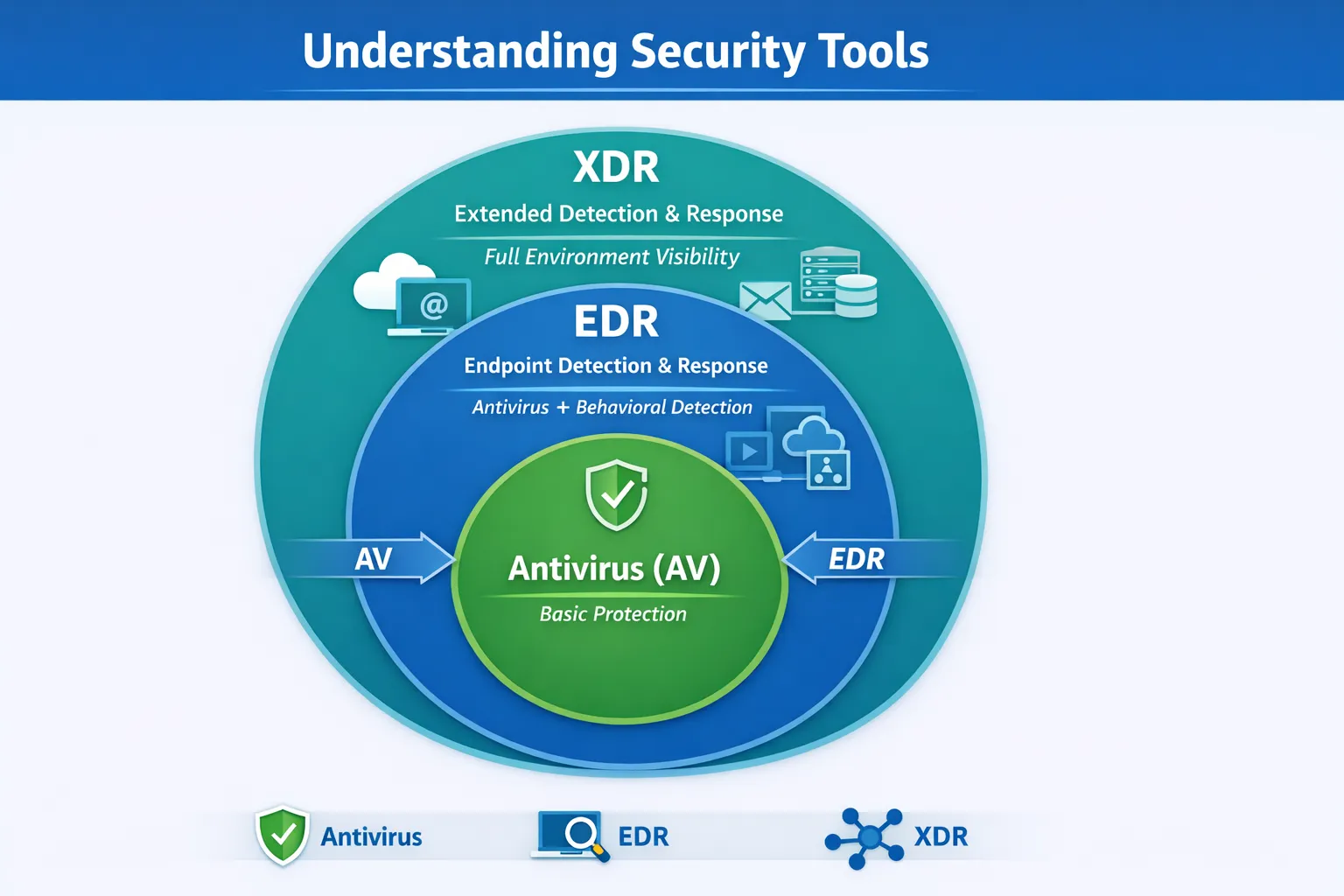
If you’ve looked into cybersecurity tools recently, you’ve probably seen terms like antivirus (AV), Malwarebytes, EDR, and XDR. They all “protect your systems”… but they’re not the same thing. Here’s a simple way to understand the differences—and how they fit together. Antivirus (AV): The Basics Antivirus is the traditional security tool most people are familiar with. It focuses on: detecting known malware blocking viruses and basic threats scanning files and downloads Examples: Microsoft Defender Antivirus (built into Windows) Bitdefender Norton McAfee Think of antivirus as your baseline...

What Does Cyber Insurance Actually Cover?

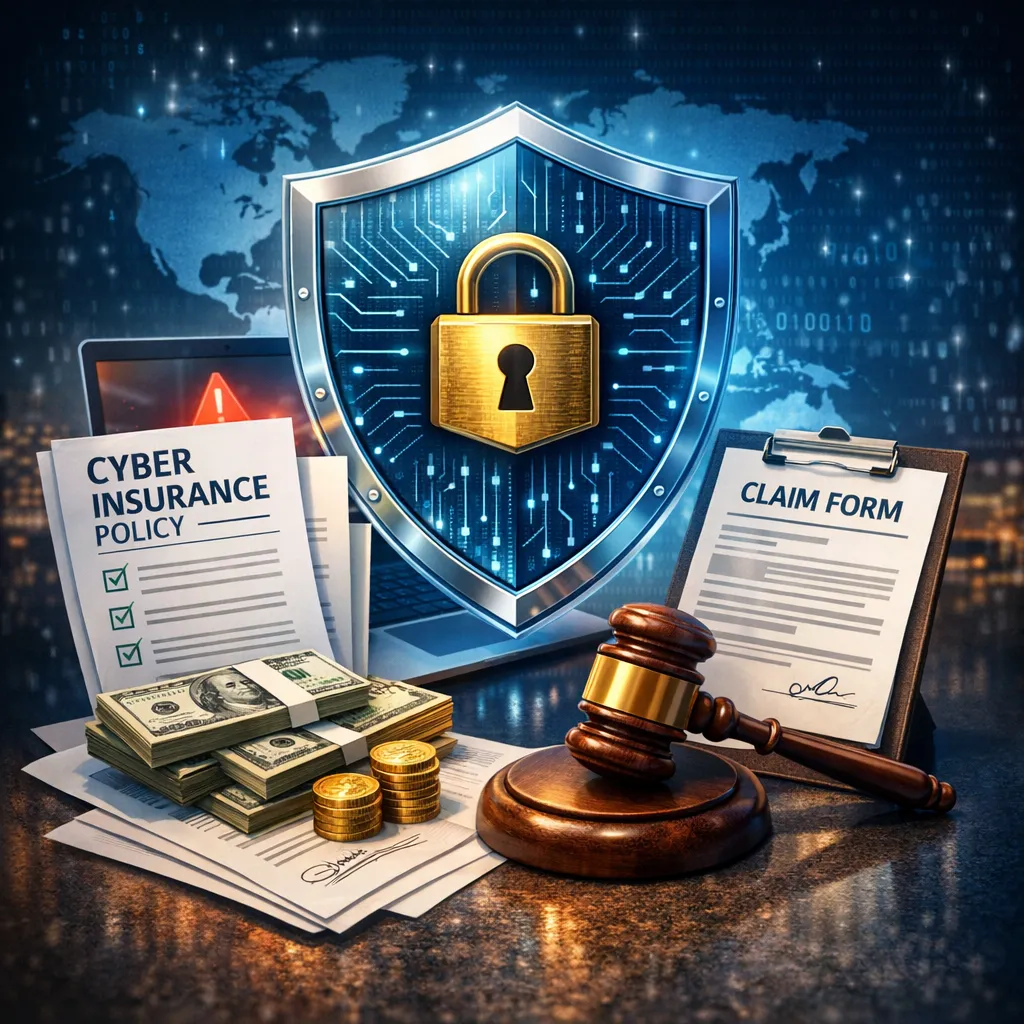
Cyber insurance is becoming more common for small and mid-sized businesses. But most business owners don’t really understand: what it covers what it doesn’t and what it requires from them That can become a problem when you actually need to use it. What Cyber Insurance Typically Covers Most cyber insurance policies are designed to help after a security incident. That can include: Incident response (forensics, investigation) Legal costs Notification requirements (if customer data is involved) Business interruption (lost revenue during downtime) Ransomware payments (in some cases) In short: Cyber...

Common Cybersecurity Threats Small Businesses Face

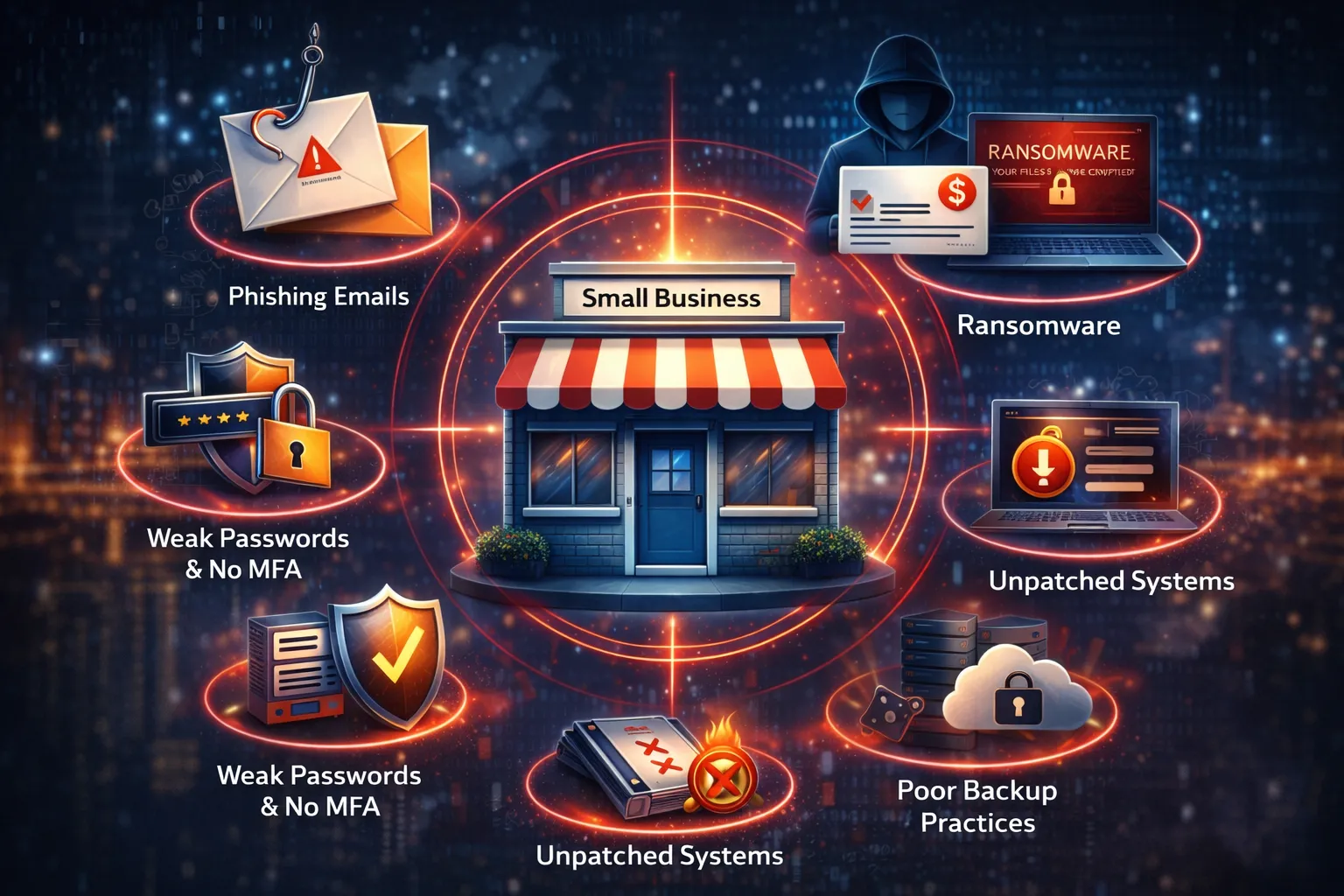
When people think about cybersecurity threats, they often picture large companies being targeted by sophisticated attackers. In reality, small and mid-sized businesses are often easier targets. Not because they’re more valuable—but because they’re easier to break into. Here are some of the most common threats SMBs face today. 1. Phishing Emails Phishing is still the most common way attackers get in. These emails are designed to: trick users into clicking a link steal login credentials install malware They often look like: Microsoft 365 login alerts invoices from vendors messages from...

How to Spot a Phishing Email

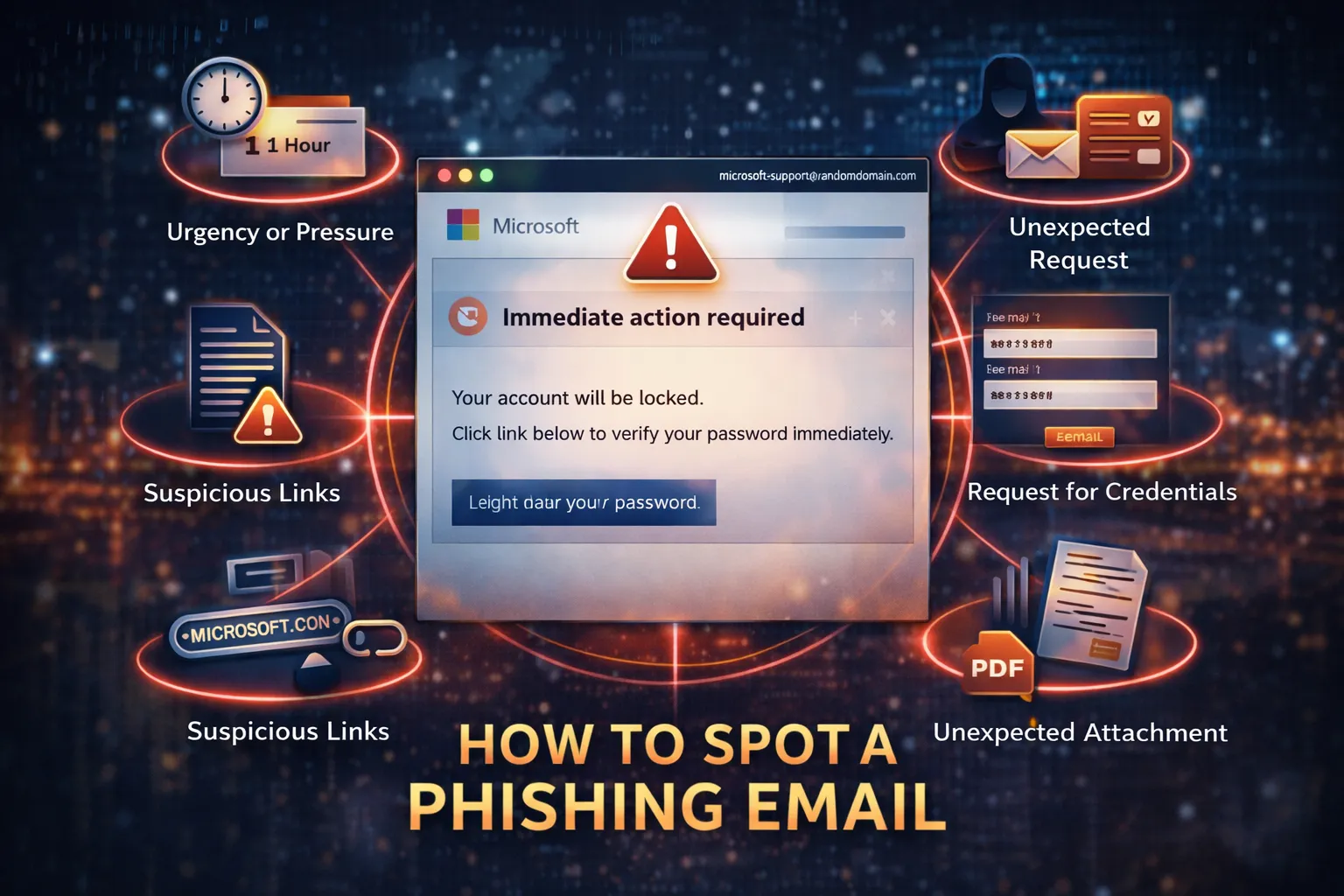
Phishing emails are one of the most common ways attackers get into a business. They don’t rely on hacking systems—they rely on tricking people. The good news is most phishing emails have warning signs. You just need to know what to look for. What Is a Phishing Email? A phishing email is designed to: trick you into clicking a link get you to enter your password or convince you to take an action (like sending money) They often pretend to be: Microsoft or Google login alerts invoices or payment requests messages from coworkers or executives Common Signs of a Phishing Email 1. Urgency or Pressure...

What Is MFA and Why Does Your Business Need It?

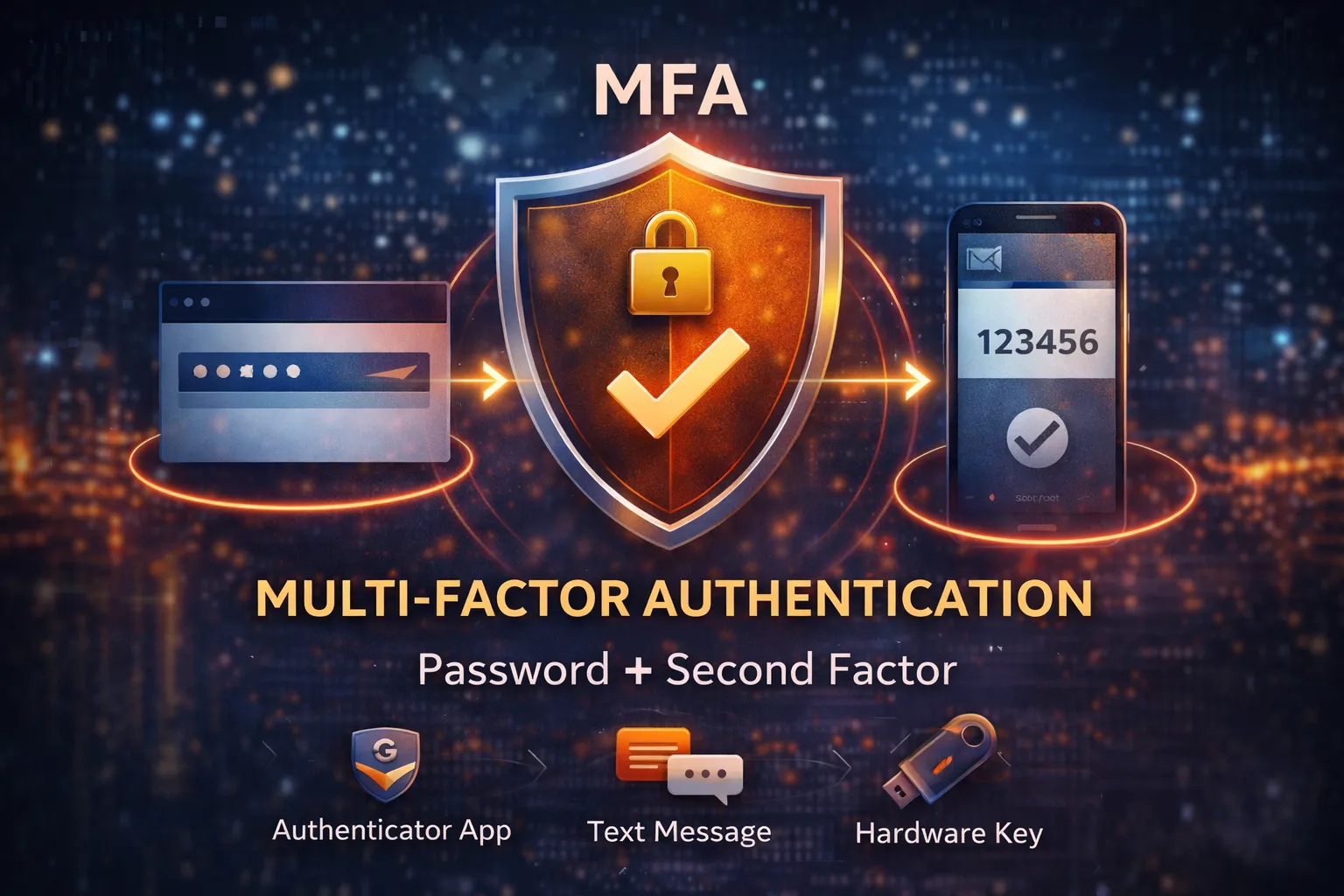
Multi-factor authentication (MFA) is one of the simplest and most effective ways to protect your business. But it’s also one of the most misunderstood. Most people know they “should have it,” but don’t fully understand what it does—or why it matters. What Is MFA? MFA stands for multi-factor authentication. It means you need more than just a password to log in. Instead of only entering a password, you also need something else, such as: A code from an authenticator app (TOTP) A push notification on your phone A text message with a verification code A physical security key (yubikey or smartcard)...

Cybersecurity vs IT Support — What’s the Difference?

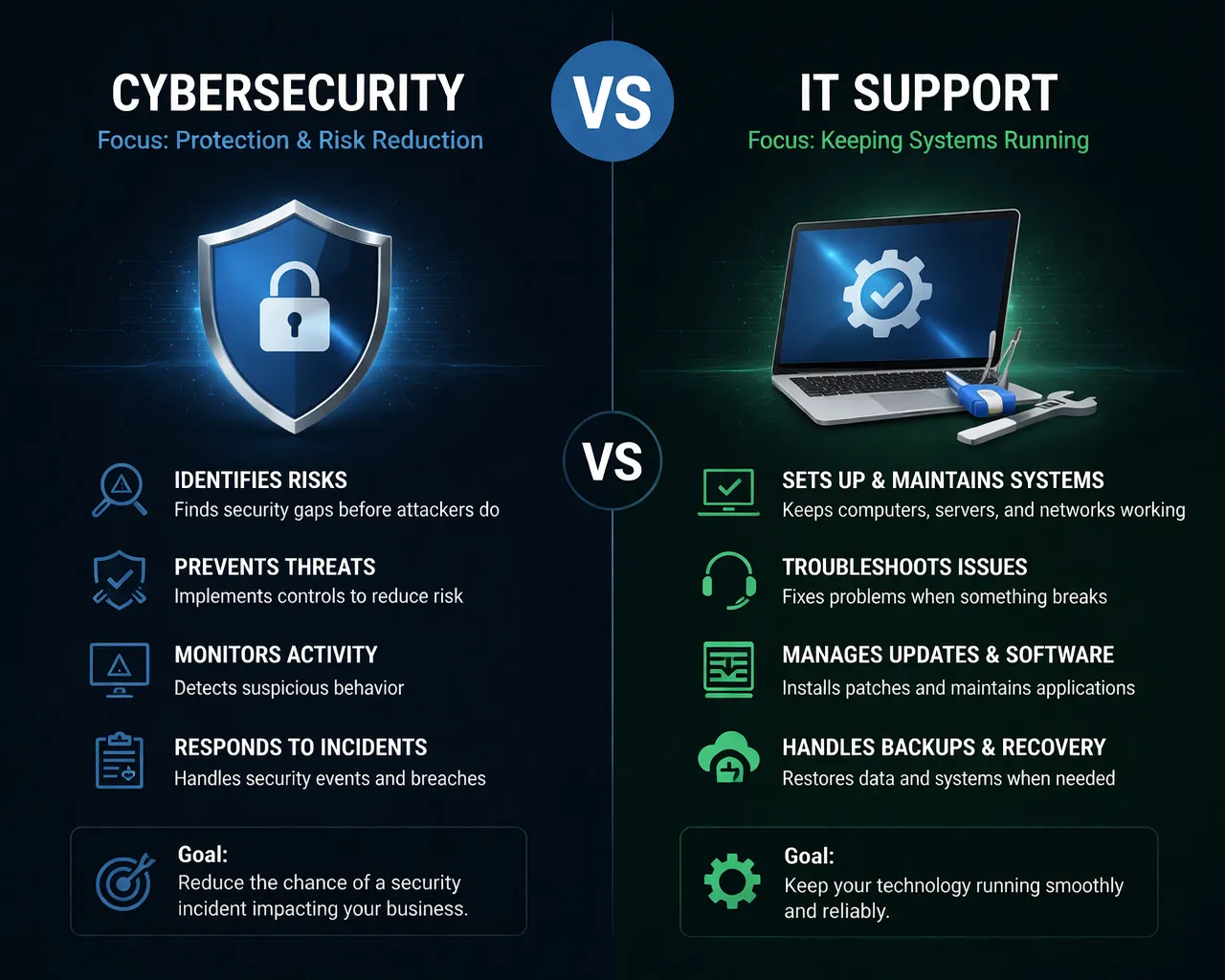
Many small and mid-sized businesses rely on an IT provider to keep things running. And for the most part, that works well. But when it comes to cybersecurity, there’s often confusion about where IT support ends—and where security actually begins. Understanding that difference is important. What Is IT Support? IT support (often provided by an MSP) focuses on keeping systems working. That typically includes: Setting up computers and servers Managing networks and WiFi Installing and maintaining software Help desk support (fixing issues when things break) Managing backups and updates In simple...